Creating a case in Maltego Monitor is the fastest way to start monitoring online conversations that matter to you. The guided case creation wizard helps you define your monitoring objective, refine your search criteria, and preview the results before activating your case.
Create a New Case
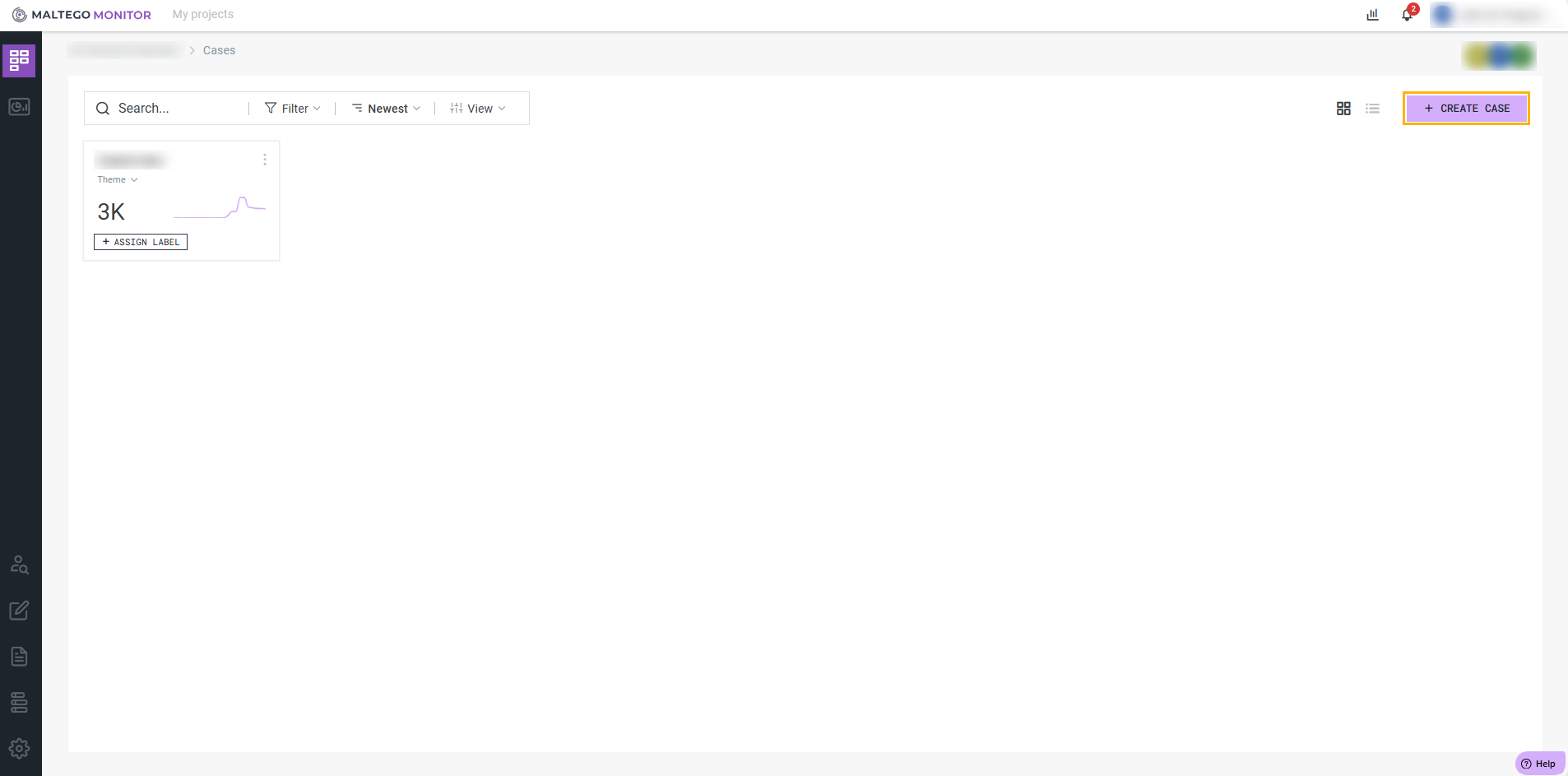
Open Case Monitor and select + Create Case to launch the case creation wizard.
Define What You Want to Monitor
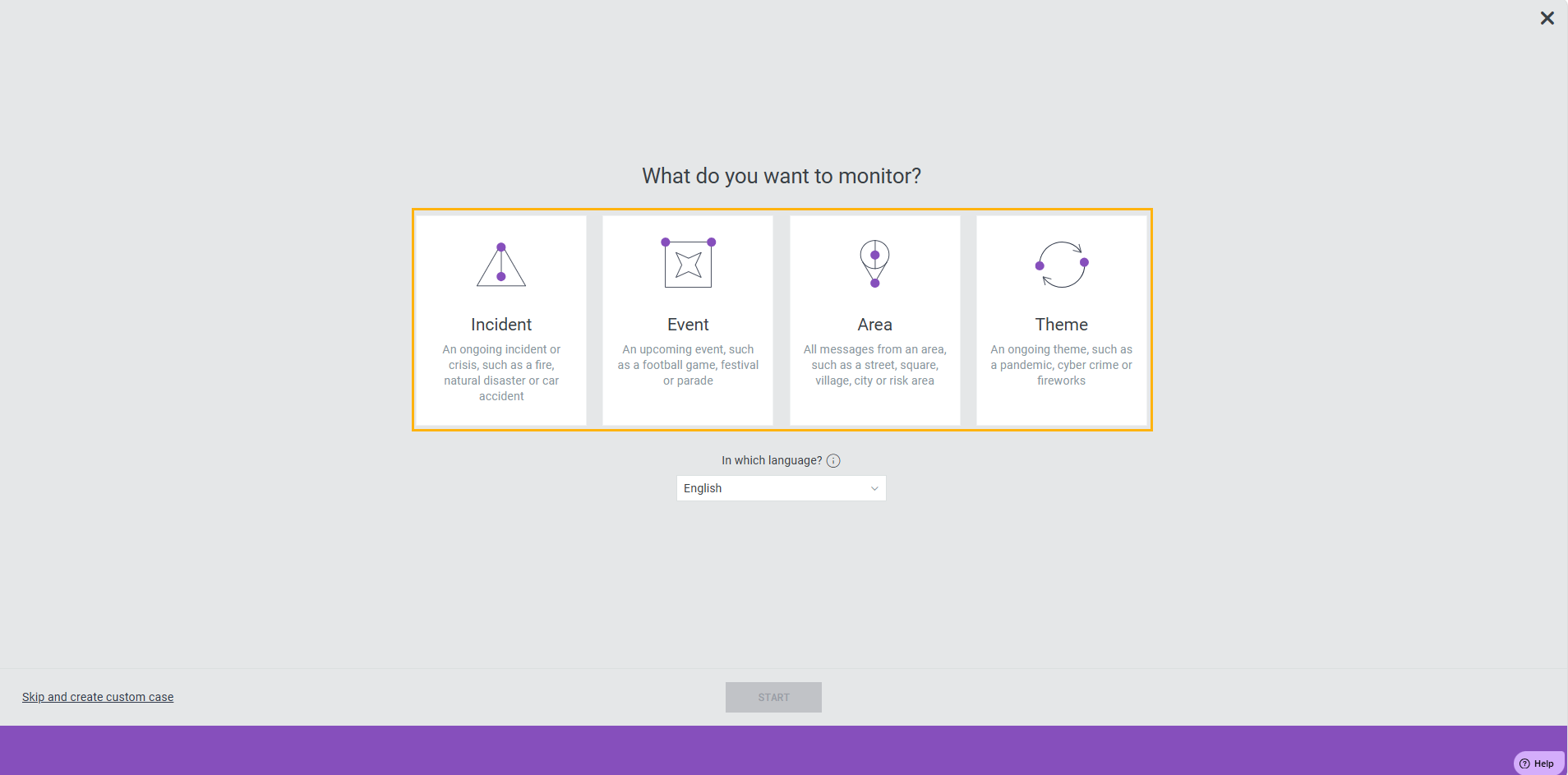
Choose the type of case that best matches your monitoring goal:
- Incident: Track emerging or ongoing incidents.
- Event: Monitor conversations around a specific event.
- Area: Focus on activity within a geographic location.
- Theme: Monitor topics, brands, organizations, or other subjects of interest.
Next, select the language(s) you want to monitor and click Start.
Refine Your Search
by Themes and Topics
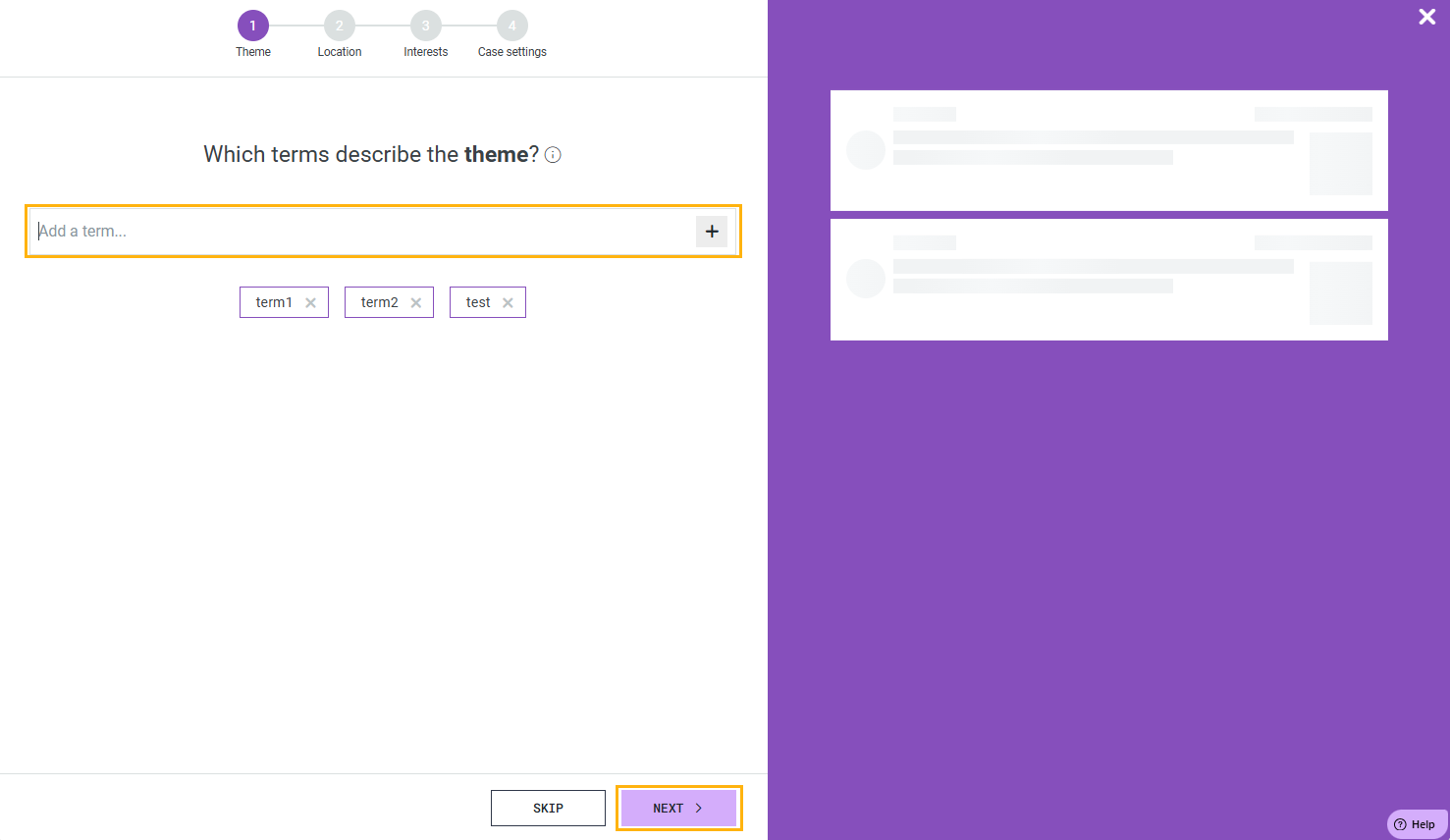
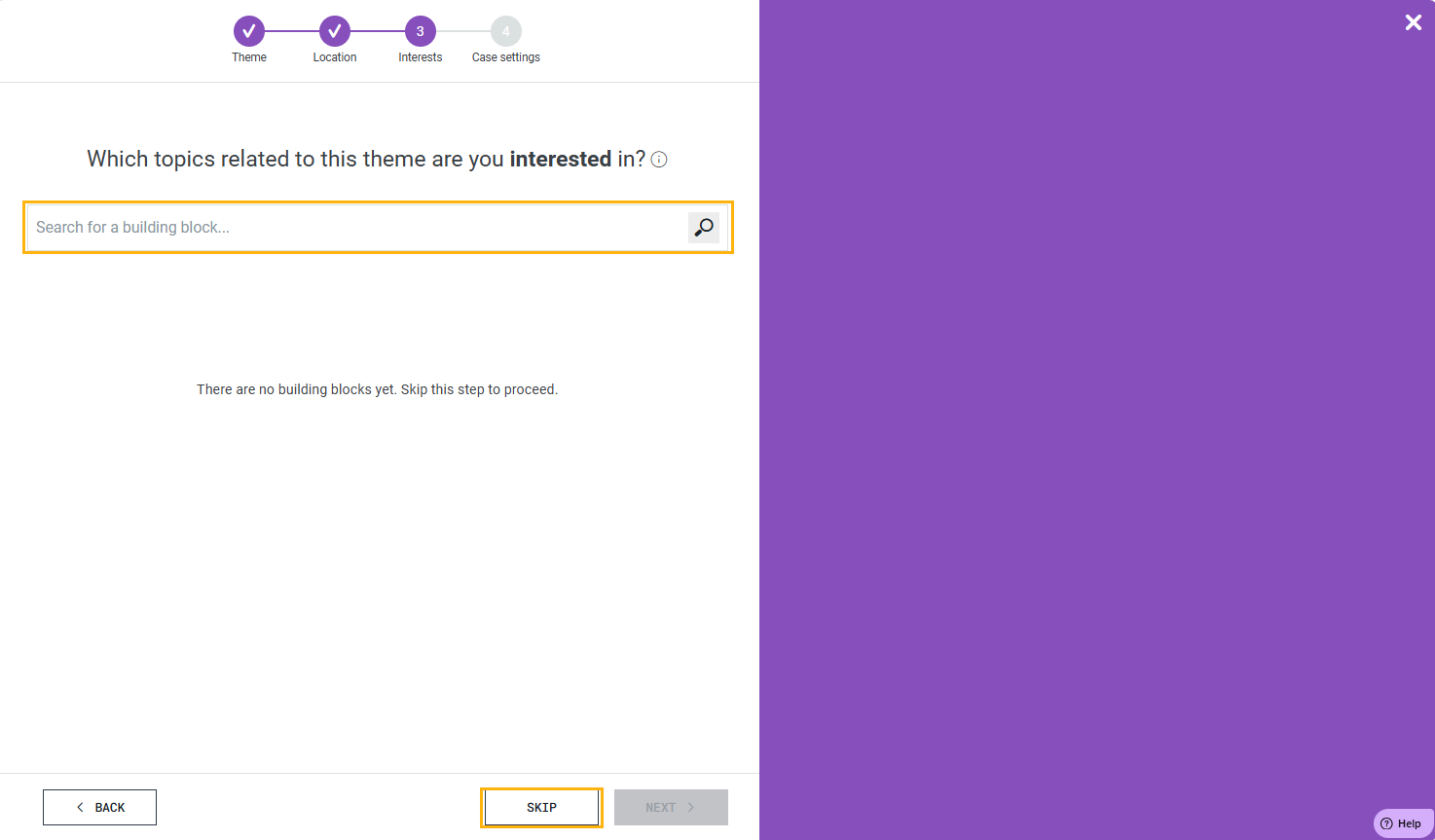
After selecting a case type, define what you want to monitor by adding Themes and (later in step 3) Topics.
A Theme represents a broader area of interest, while a Topic is a specific keyword, phrase, or concept that belongs to that area.
Think of themes as folders and topics as the individual search terms inside them.
Organizing topics into themes makes it easier to structure your monitoring, understand why content was matched, and manage larger monitoring projects.
We recommend the use of Building blocks.
Building Blocks are reusable collections of related topics and search logic that help you quickly assemble monitoring configurations. They can be combined, modified, and reused across different cases.
by Location
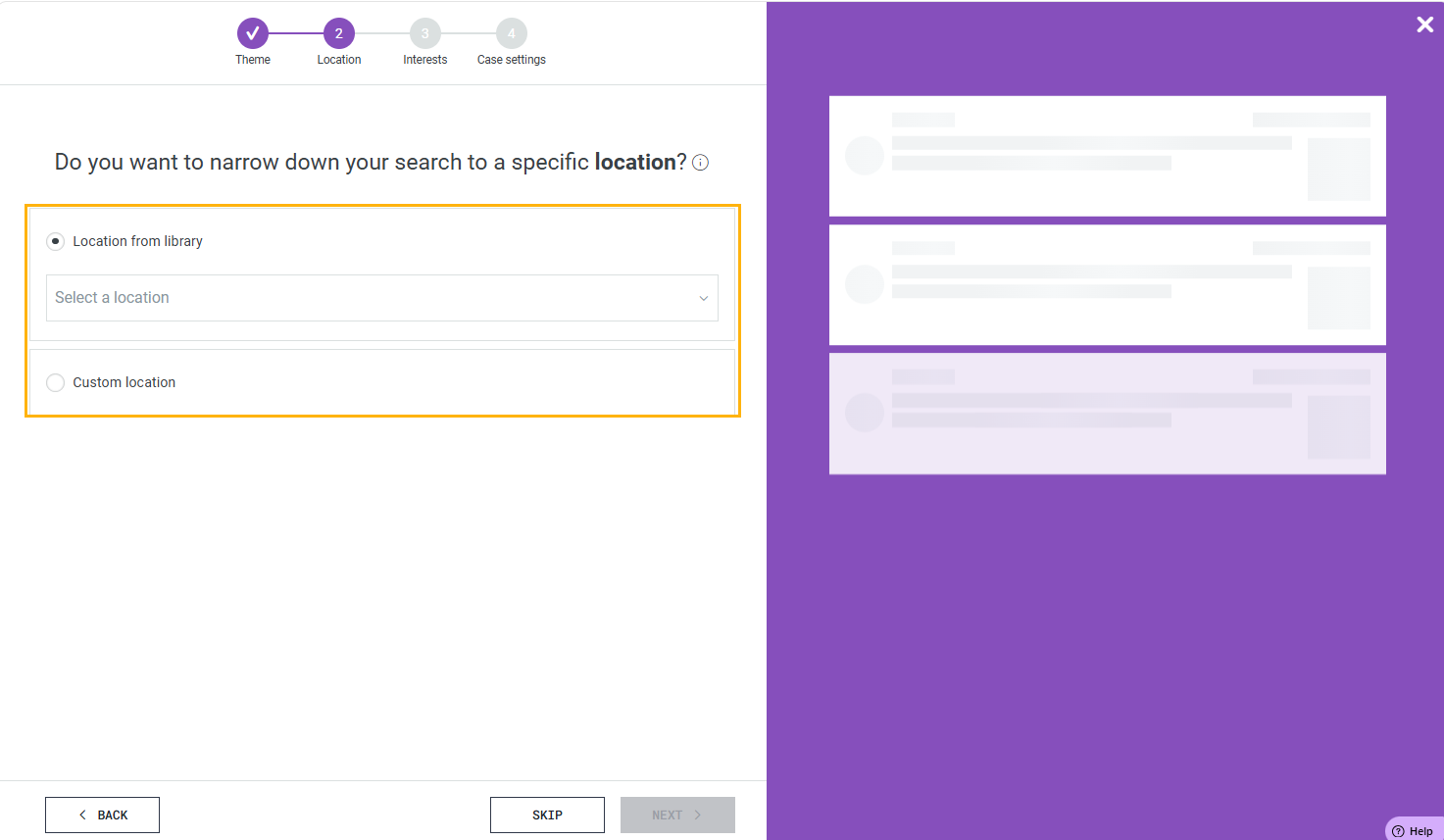
To further improve the relevance of your results, narrow the search to a specific geographic area. Choose the countries, regions, or locations you want to monitor and review the live preview to verify that the collected messages originate from the intended area.
Location filters help reduce irrelevant content and ensure that your monitoring focuses on the audience and region that matter most.
Activate Your Case
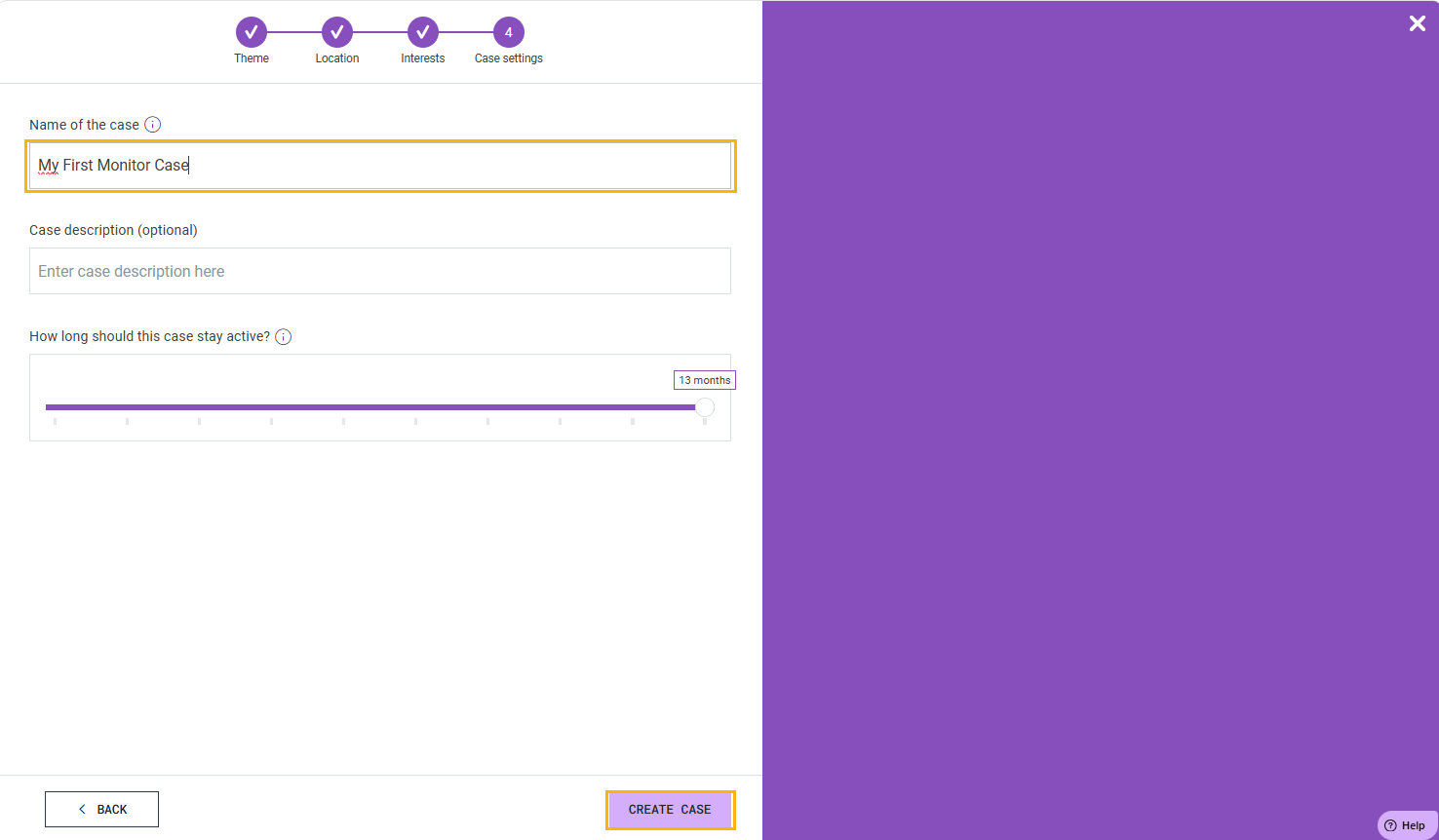
Give your case a meaningful name and choose how long it should remain active.
Use the duration slider to define the monitoring period. You can extend, shorten, pause, or deactivate the case at any time after creation.
When you're satisfied with your configuration, create the case and start monitoring.