We have a range of search engine Transforms using Bing web search API. Sometimes it is necessary to know where the Entities returned from these Transforms were found.
All of our search engine Transforms store the source URLs in the Entity properties themselves. To discover these URLs there is a set of transforms available starting from "To URLs".
Please refer to the below example on how to use these Transforms.
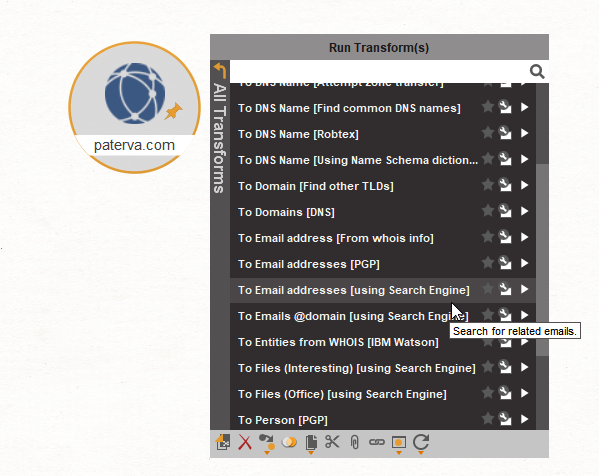
1. Drop a Domain Entity onto the graph and run the 'To Email addresses [using Search Engine]' Transform.
2. Double click on Email Entity 'support@paterva.com' and go to the Properties tab to view a list of URLs where this email was found.

3. To extract these URL from the 'Urls' field, select 'support@paterva.com' and run 'To URLs [show Search Engine results]' Transform.

4. All the source URLs are plotted on to the graph with their display property set as the URL title.
