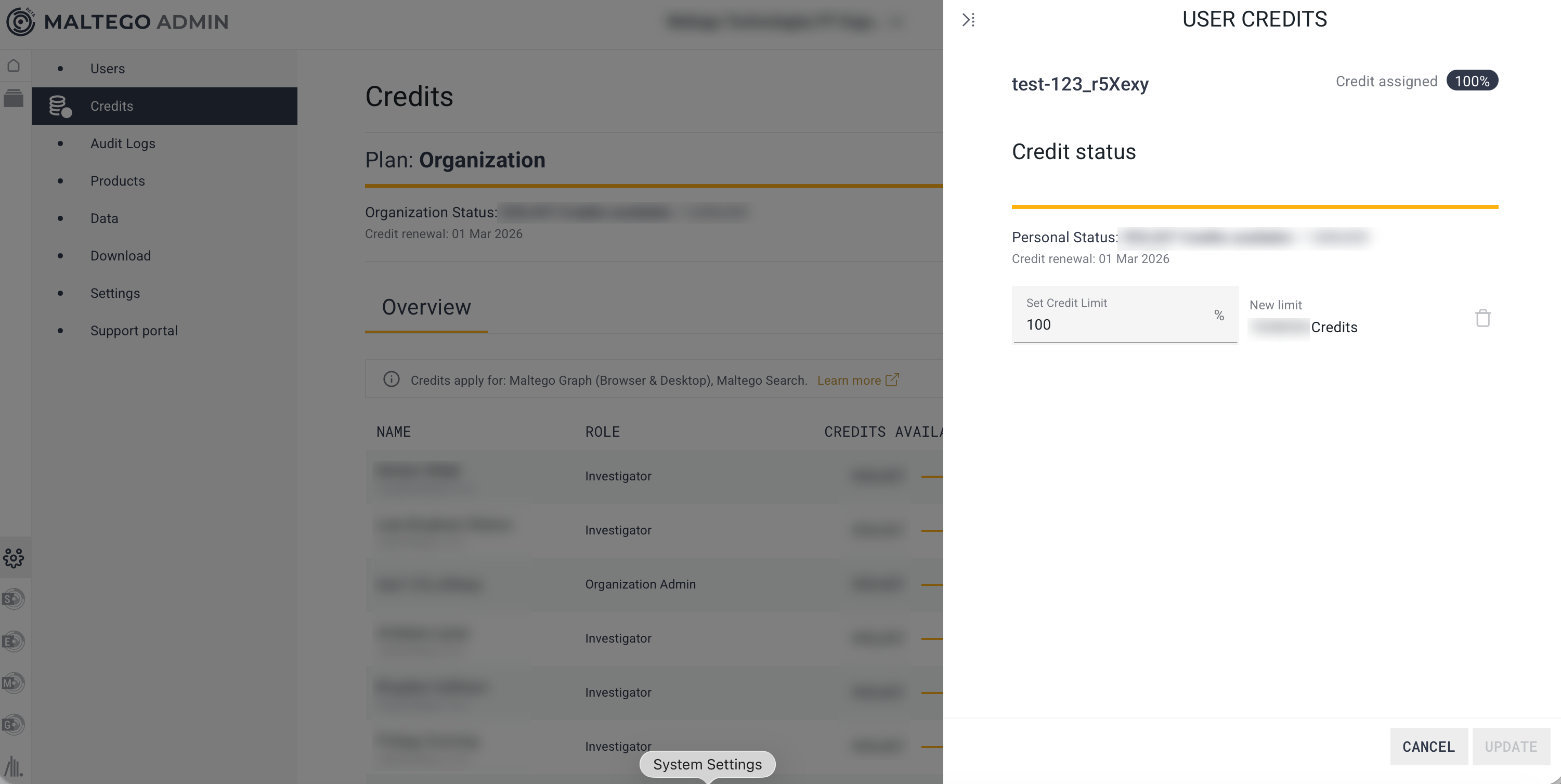
Users in Organizations with multiple seats – usually under Enterprise or Professional plans – have the ability to set credit limits for users to run Transforms and searches in Maltego Graph and Search. This feature gives flexibility to allocate more to power users and restrict occasional users from excessive use. Only Organization Admins can assign credit limits.
To assign credit limits, follow the steps below:
- Go to the Credits page in Maltego Admin.
- In the "Overview" tab, you will see all users in your organization, how many Credits are assigned to each user, and how many they have spent.
- Select the user you want to set a limit for, and click on "Set limit."
- In the side panel you can set a percentage of your organization’s total Credit allowance. This user will now only have access to this specific amount of Credits.